
Upload your product
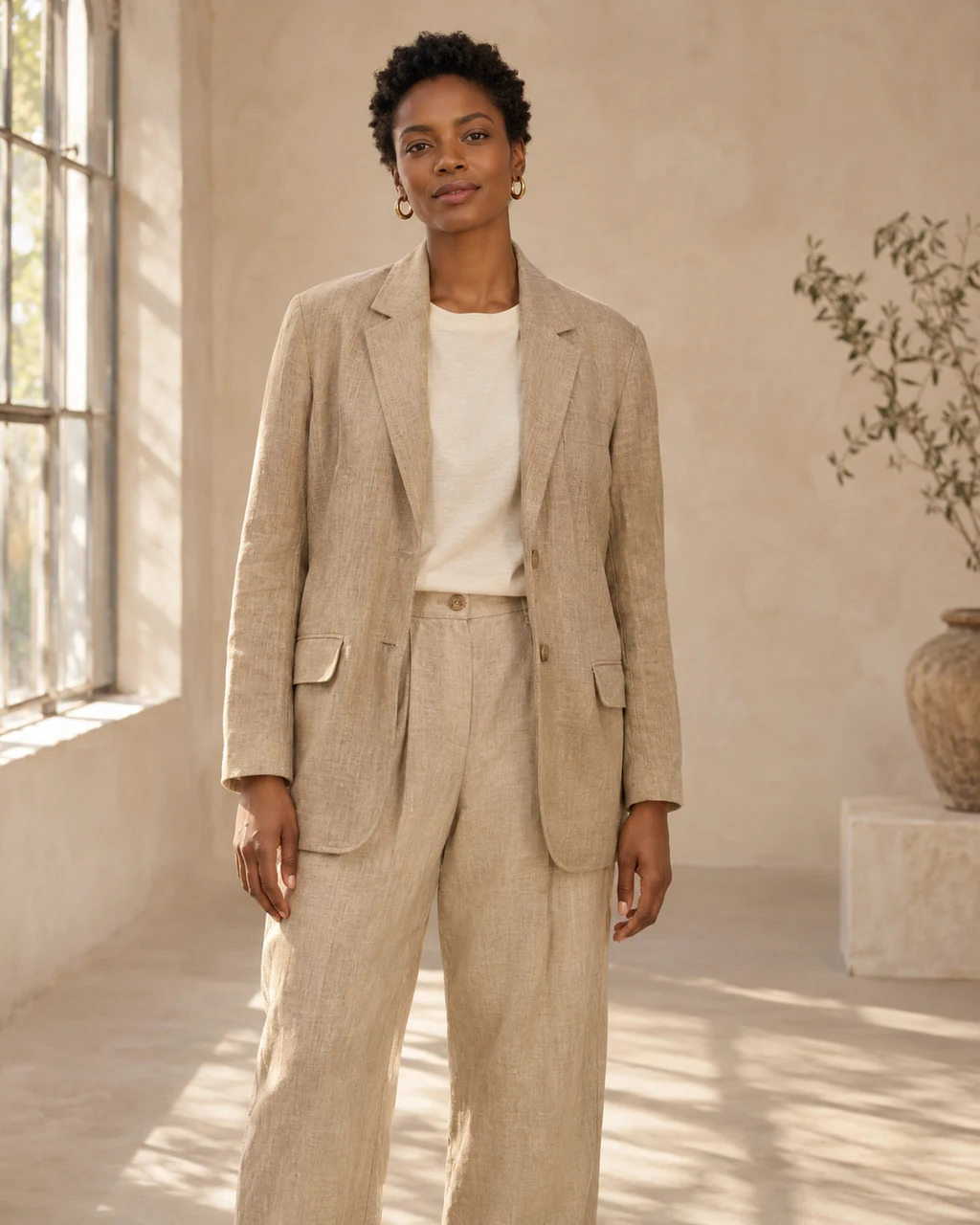
Start with the photos you already have — on model, flat, or detail shots.
AI product photography for fashion brands
Create and refine product imagery in one workspace, from the photos you already have.
The workflow
Start with the photos you already have — on model, flat, or detail shots.
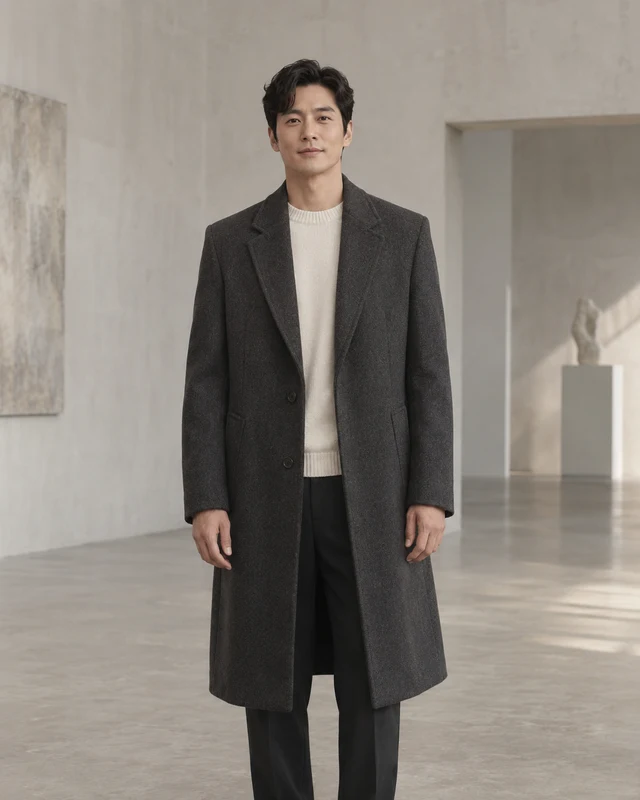
Choose an available model and shape the look with a scene, pose or creative prompt.
Refine your results, keep saved versions and export your selected images.
Examples
Made for the work behind the image
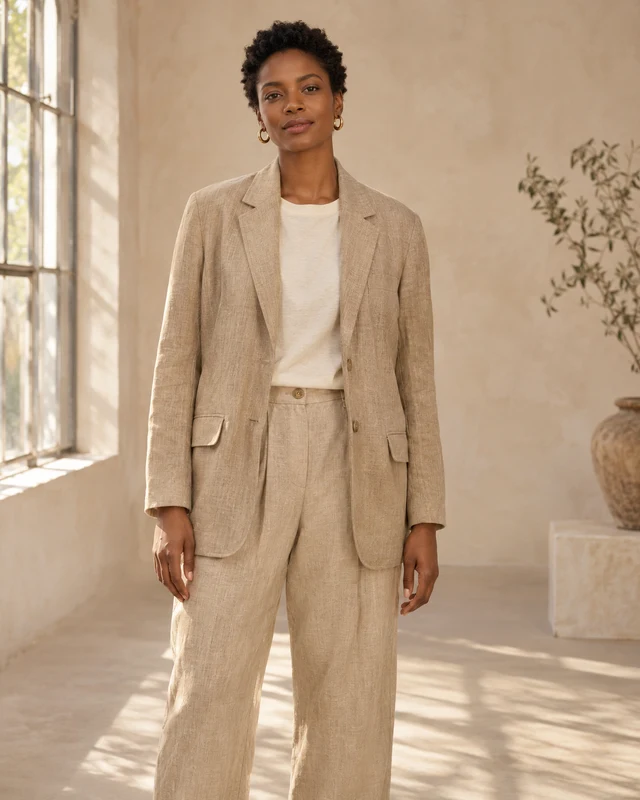
Sources, creative direction and saved results stay connected, so you can pick up where you left off.
Refine from a saved result without replacing the original. Review your options before exporting.
See the credit cost before confirming a generation or edit. Adding credits never starts work on its own.
Your next creative chapter
Create an account, explore your workspace, and choose the credit option that fits your work.
A few things to know
Create an account and verify your email. Add a product and its source photos, then open Generate or Studio. Available models depend on your account; your workspace shows any setup still needed before generation.
Use your product photos with an available model, scene and creative direction to generate imagery. Refine a saved result with editing instructions, keep your versions and export selected images.
Generation and editing use credits. The app shows the cost before you confirm. Compare current plans and credit packs for allowances, expiry, quality access and payment availability.
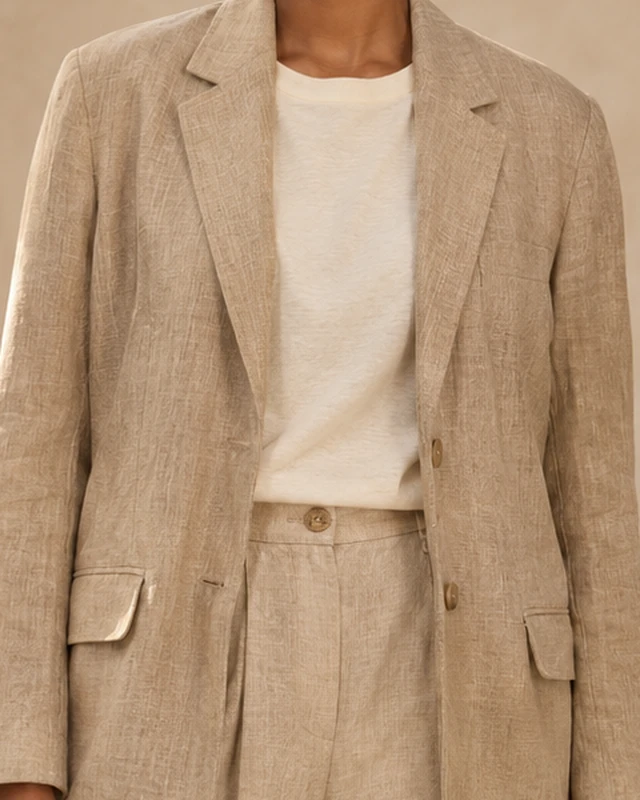
Start with clear, well-lit product photos. Describe the setting, lighting and styling you want, then review the fabric, fit and small details before exporting your selected image.
Yes. Your product workspace keeps your sources and saved results together. Sign in to return to your products, open Studio and continue with the versions you have saved.